What Does a Backup Plan Actually Cost Once You Count Retrieval, Power and a Restore Test?
Backup pricing has three meters running at once: storage, retrieval and electricity. Recent changes to exit fees and versioning moved two of them, and the restore test decides the rest.
Hector Villanueva834 words
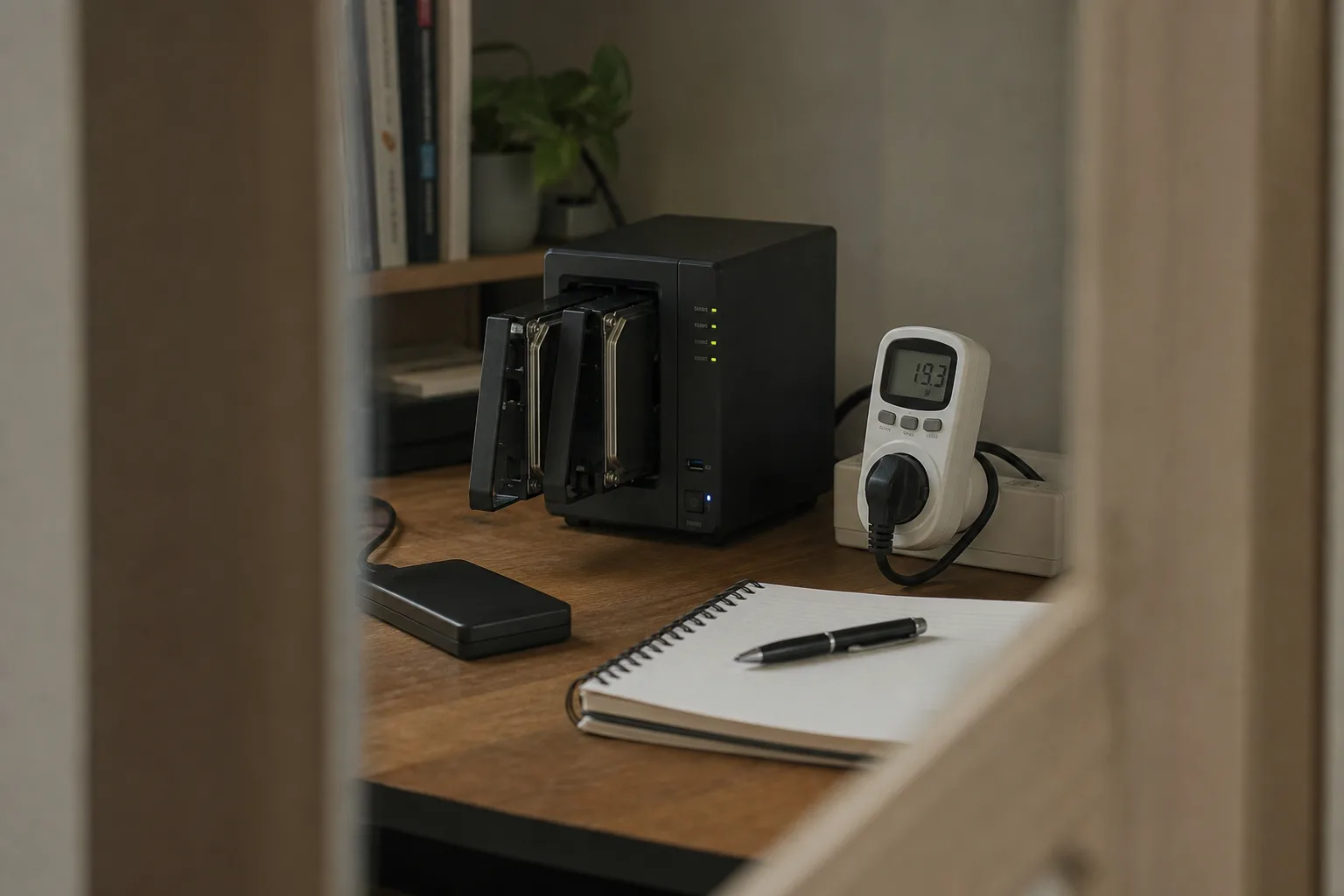
A backup plan gets priced as if it were a subscription, one number per month, and that is the first mistake in the sequence. There are three meters running: the space you occupy, the bandwidth and requests you spend getting data back out, and the electricity the hardware draws while sitting idle for years at a stretch. Two of those only register during an emergency, which is exactly when nobody is comparing invoices. Getting the order right matters, because the decision that locks you in, the choice of where copies live, is made before the retrieval bill is ever visible.
Three meters, and only one of them appears on the quote
Capacity is the honest part of the price. It is quoted per terabyte per month, it scales roughly the way you expect, and archive tiers sit far below hot storage because the provider assumes you will almost never read them. Retrieval is where the shape changes. Archive classes commonly attach a per gigabyte restore charge, sometimes a minimum storage duration, and occasionally a rush fee if you want the data in hours rather than the better part of a day. A plan that looks cheap for four quiet years can produce a four figure retrieval in the one week you need it.
The third meter is the one a household actually feels monthly. A small network attached enclosure with two or four spinning drives draws a modest but continuous load, and continuous is the operative word: it runs every hour of every month, unlike a dryer or an oven. Multiply a low double digit wattage by your own cents per kilowatt hour and you get a figure that is small but never zero, and that stays on the bill long after the purchase has been forgotten. Local backup is not free storage. It is prepaid storage with a metered tail.
What changed, and why the arithmetic moved
Two things shifted recently in ways that favor the careful buyer. The first is exit pricing. The major cloud providers moved away from charging customers to transfer their own data out when leaving, a change driven by regulatory pressure and competition, and it removed the quiet penalty that used to make switching providers feel like a one way door. Migration is now closer to a matter of time and labor than of a surprise transfer charge. The second is that immutability and versioning, once enterprise features, became ordinary options on consumer and small business tiers.
That second change is a direct answer to the failure mode that used to defeat backups entirely. Ransomware and simple sync errors both work by writing over the good copy, so a mirror that faithfully reflects your machine will faithfully reflect the damage. Object lock, retention windows and file versioning break that chain by making recent copies unwritable for a set period. The cost is real and predictable: you pay for the old versions as well as the current ones, so your billed capacity runs above the size of the source data by whatever your retention window implies.
The restore test is the line item people skip
An untested backup is an assumption with a monthly charge attached. The test is cheap to run and slightly expensive to run properly, and the difference is worth understanding before you commit. A partial test, pulling a few folders and one database file, costs almost nothing in retrieval and confirms that credentials, keys and file integrity are intact. A full test, restoring an entire system image to spare hardware, spends real retrieval money and real hours, but it is the only version that tells you whether your encryption keys were ever backed up somewhere other than the machine that died.
Schedule the partial test quarterly and the full test annually, and do the full one before you delete anything old, never after. Deletion is the step in this whole process that cannot be undone. The National Institute of Standards and Technology is responsible for the federal cybersecurity guidance that shapes how organizations think about recovery objectives, and the useful idea to borrow is that a recovery target you have not measured is a guess. Time the restore. The number you get is your actual plan.
Where the payback lands
Run the comparison over five years rather than one, because that is the honest life of a drive and roughly the horizon over which retrieval risk accumulates. Local hardware front loads the spend, adds a small permanent power draw, and gives you fast restores at no per gigabyte cost. Cloud archive front loads almost nothing and holds its expense in reserve until the bad week. Most households land on both, with the local copy carrying the routine restores and the cloud copy priced strictly as insurance against the house itself.
Write down what a full restore would cost you today, in dollars and in hours, and check the figure once a year against your own bill. That single number is what you are actually buying.